Documentation Index
Fetch the complete documentation index at: https://docs.buildingyourdreamstech.com/llms.txt
Use this file to discover all available pages before exploring further.
Objetivo
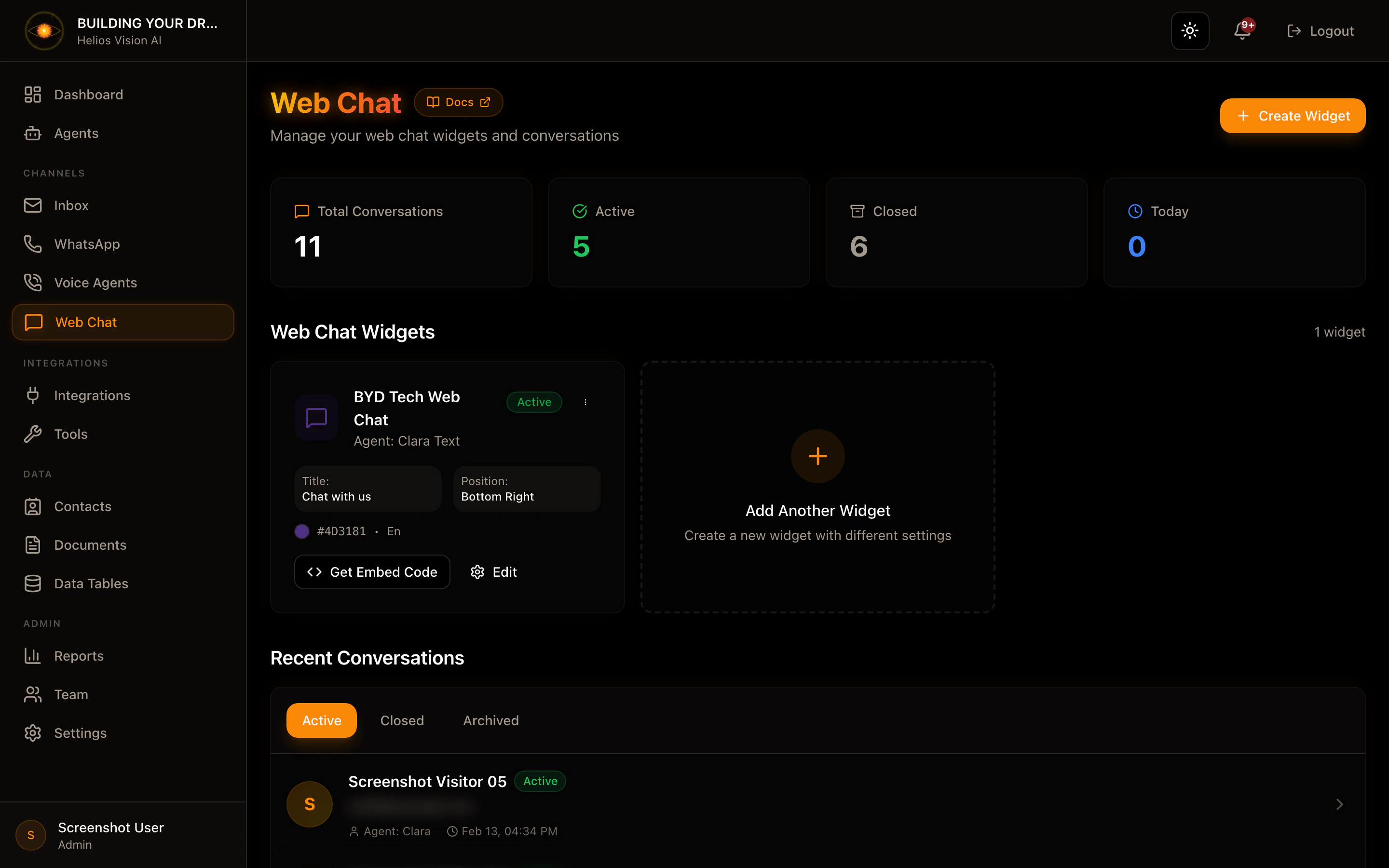
Instalar el widget de chat en tu sitio web para iniciar conversaciones con agents.Requisitos
- Un agent con canal Web Chat habilitado.
- Acceso al HTML de tu sitio.
Paso a paso (embed)
- Obtiene tu tenantId y agentId.
- Inserta el snippet antes de
</body>en tu sitio:
- Guarda cambios y recarga el sitio.
Notas
- El agent debe tener Web Chat habilitado en Agents.
- Si cambias el agentId, las conversaciones nuevas usaran el nuevo agent.
Captura