
Documentation Index
Fetch the complete documentation index at: https://docs.buildingyourdreamstech.com/llms.txt
Use this file to discover all available pages before exploring further.
Objective
Manage documents for RAG (knowledge base) used by agents.Access
Sidebar -> Documents Path: /app//documentsRoles
- owner, admin, agent
Prerequisites
- Integrations: Google AI API Key (required for Google File Search).
- Verified email: required to upload documents.
Upload a document (Upload Document)
Step by step:- Press Upload Document.
- Drag or select a file.
- Complete the fields.
- Press Upload Document.
- PDF, TXT, MD, DOCX
- Max 10MB
| Field | Mandatory | Format | Example | Note |
|---|---|---|---|---|
| Document File | Yes | file | FAQ.pdf | Max 10MB |
| Display Name | No | text | FAQ Helios EN | Display name |
| Description | No | text | Use this doc for privacy | Indicates when to use |
| Document Type | Yes | selection | general | Adjust chunking |
- overall: balanced
- legal: small chunks
- technical: larger chunks
- faq: very small chunks
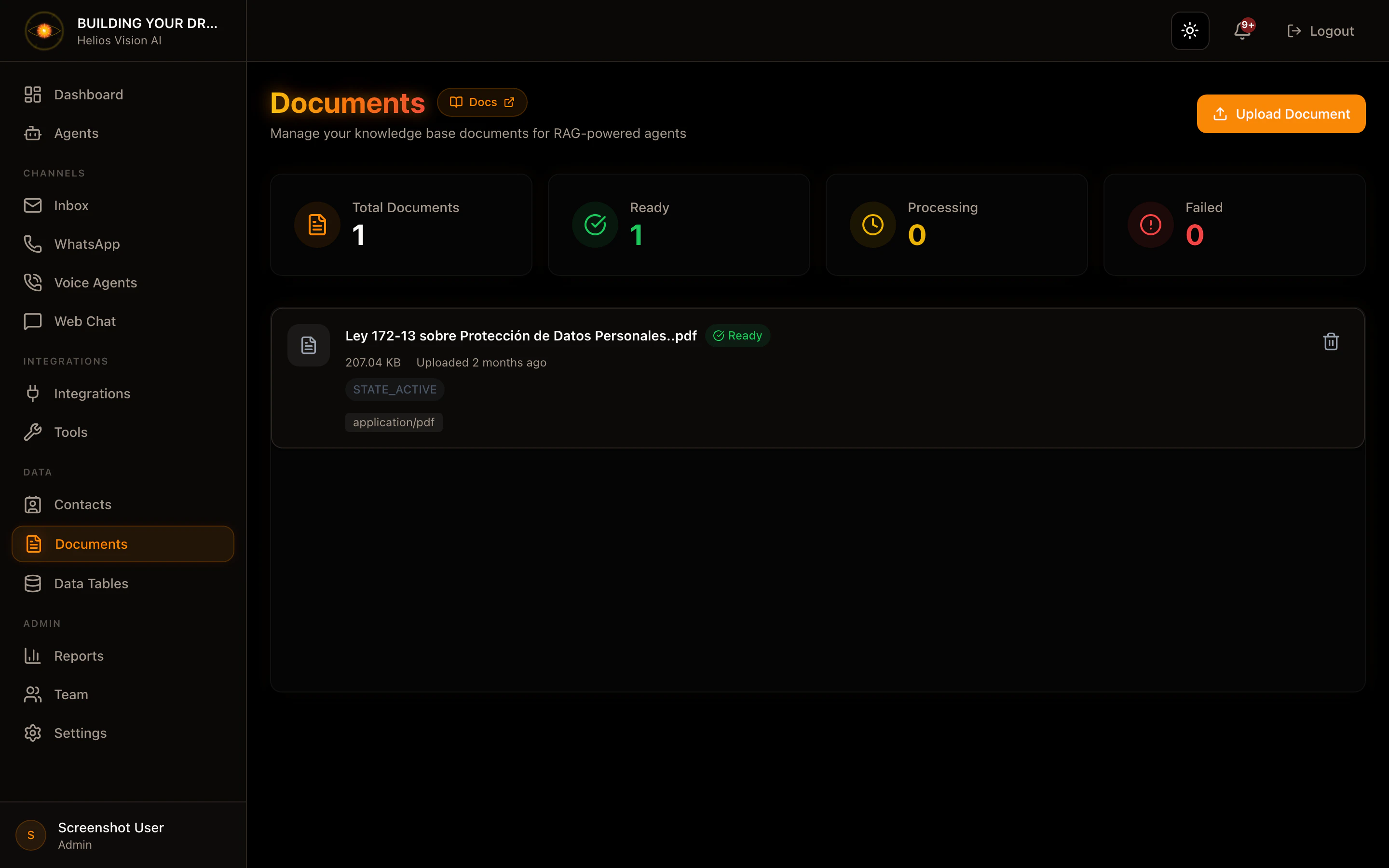
Document States
-Ready- Processing
- Failed (see error)
Delete document
In the list, press the delete icon and confirm.Good practices
- Use clear and consistent names.
- Define Description to guide the agent.
- Split long documents by topic.
Screenshot
Related
- AI Agents (RAG)