Documentation Index
Fetch the complete documentation index at: https://docs.buildingyourdreamstech.com/llms.txt
Use this file to discover all available pages before exploring further.
Objective
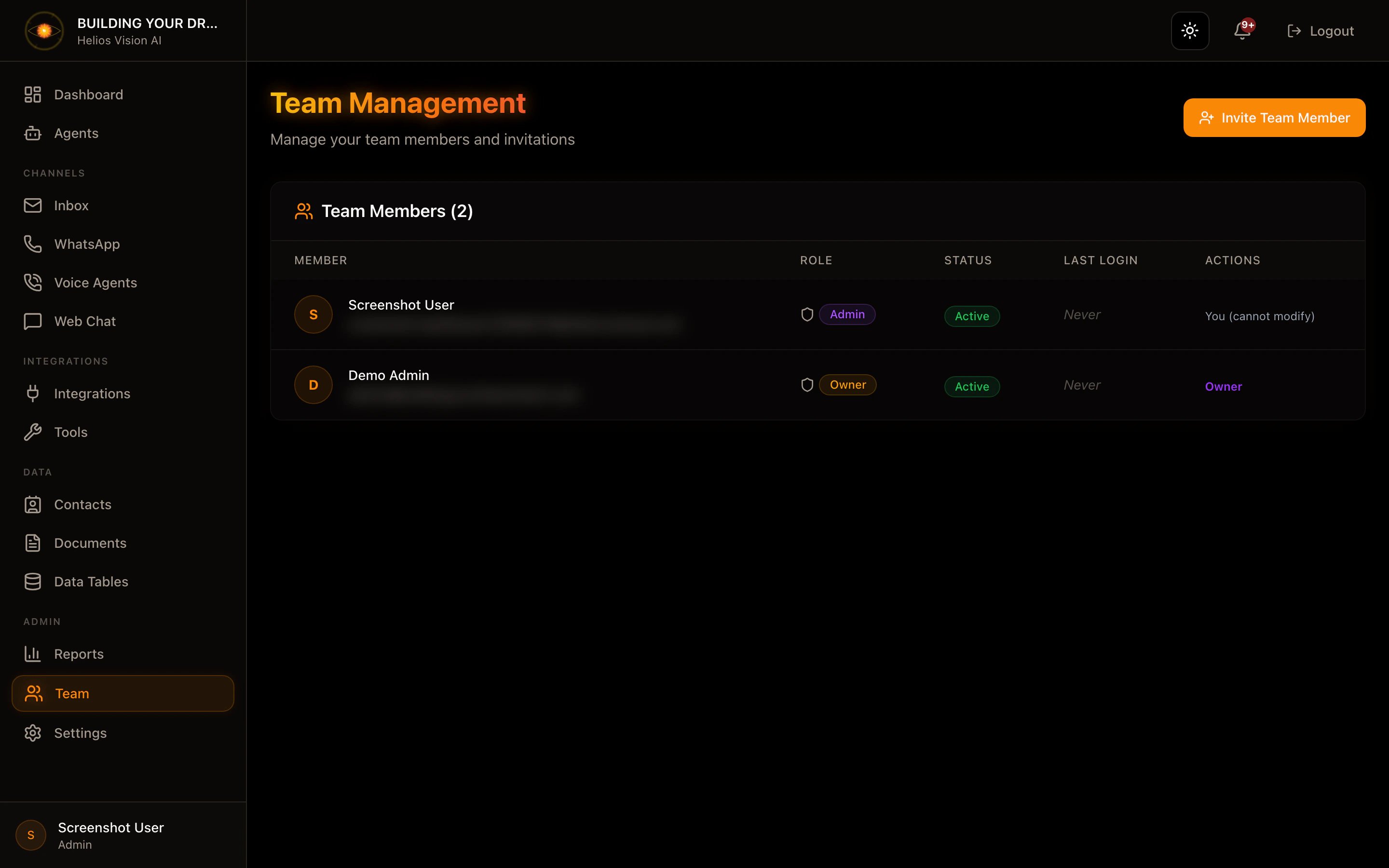
Manage tenant users, roles, and invitations.Access
Sidebar -> Team Path: /app//teamRoles
- owner, admin (full management)
- agent, viewer (read only)
Invite a member
- Press Invite Team Member.
- Complete Email and Role.
- Press Send Invitation.
| Field | Mandatory | Format | Example | Note |
|---|---|---|---|---|
| Email Address | Yes | valid email | user@acme.com | - |
| Role | Yes | admin/agent/viewer | agent | Permission control |
Change a user’s role
- In the table, open Actions (menu).
- Select the new role.
- Confirm.
Activate/deactivate user
- In the table, open Actions.
- Press Deactivate User or Activate User.
- Confirm.
- You cannot modify your own username.
- The owner role is fixed.
Pending invitations
- They are listed in Pending Invitations.
- Shows email, role, guest by, expiration.
Good practices
- Use viewer for read-only access.
- Deactivate users who do not require access.
Screenshot