Documentation Index
Fetch the complete documentation index at: https://docs.buildingyourdreamstech.com/llms.txt
Use this file to discover all available pages before exploring further.
Objective
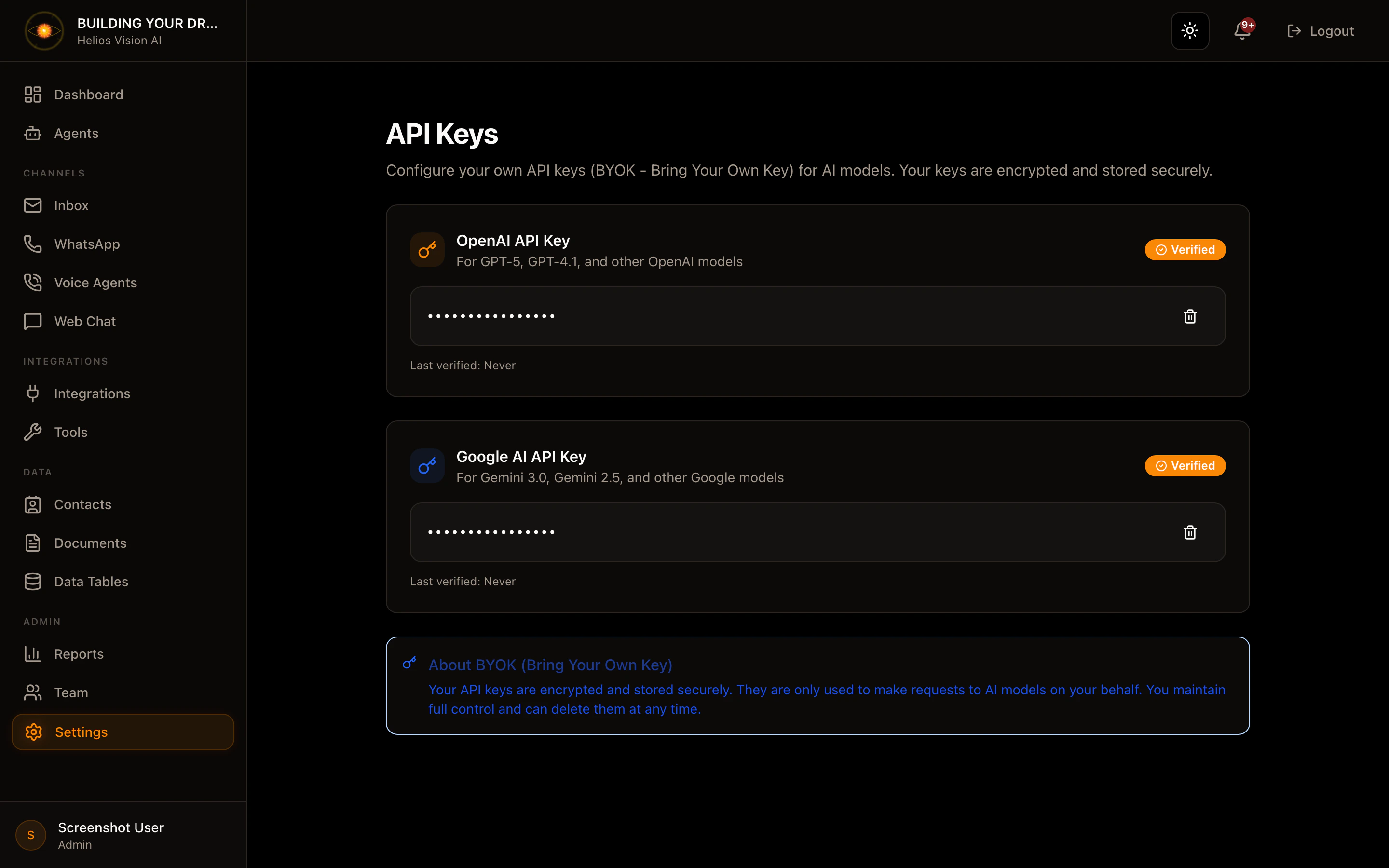
Save your own API keys for OpenAI and Google AI.Access
Settings -> API Keys Path: /app//settings/api-keysRoles
- owner, admin
Save OpenAI API Key
- In OpenAI API Key, paste your key.
- Press Save & Verify.
- Check the status (Verified/Unverified).
| Field | Mandatory | Format | Example | Note |
|---|---|---|---|---|
| OpenAI API Key | Yes | sk-… | sk-xxxx | It is saved encrypted |
Save Google AI API Key
- In Google AI API Key, paste your key.
- Press Save & Verify.
| Field | Mandatory | Format | Example | Note |
|---|---|---|---|---|
| Google AI API Key | Yes | AIza… | AIza… | It is saved encrypted |
Delete key
- Use the trash icon on the key.
Good practices
- Use production keys separate from tests.
- Set spending limits on the supplier.
Screenshot