Documentation Index
Fetch the complete documentation index at: https://docs.buildingyourdreamstech.com/llms.txt
Use this file to discover all available pages before exploring further.
Objective
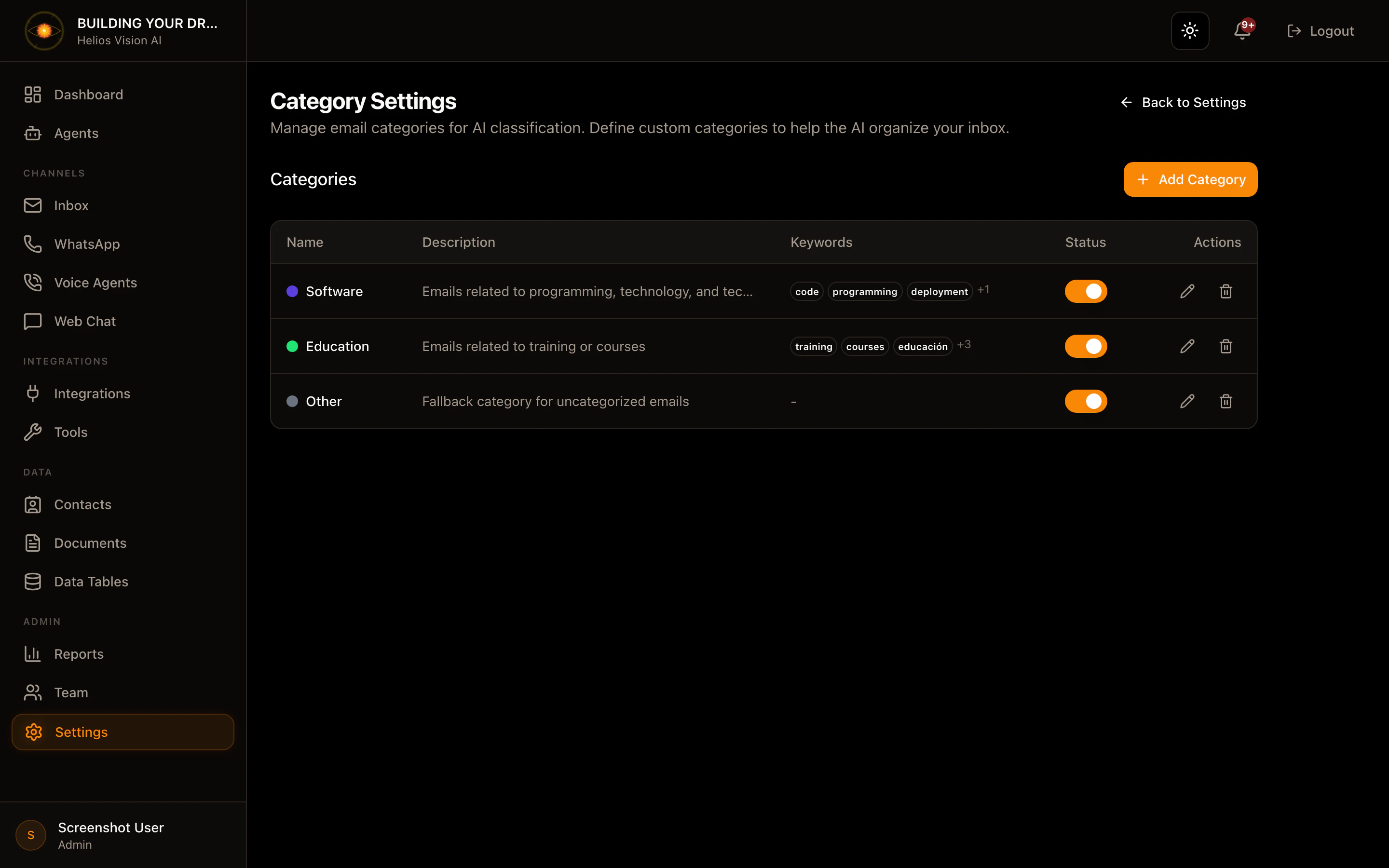
Define categories for automatic email classification.Access
Path: /app//settings/categoriesRoles
- owner, admin
Create category
- Press Add Category.
- Complete the form.
- Press Save Category.
| Field | Mandatory | Format | Example | Note |
|---|---|---|---|---|
| Name | Yes | text | Technical Support | Category name |
| Description | No | text | Issues and bugs | Context for AI |
| Color | No | hex | #94a3b8 | Badge color |
| Keywords | No | text | urgent, error, bug | Separated by commas |
Edit category
- Press the Edit icon in the row.
- Adjust fields and save.
Enable/Disable
- Use the switch in the Status column.
Delete category
- Press Delete and confirm.
Good practices
- Use short and clear names.
- Define Keywords to improve classification.
Screenshot