Documentation Index
Fetch the complete documentation index at: https://docs.buildingyourdreamstech.com/llms.txt
Use this file to discover all available pages before exploring further.
Objective
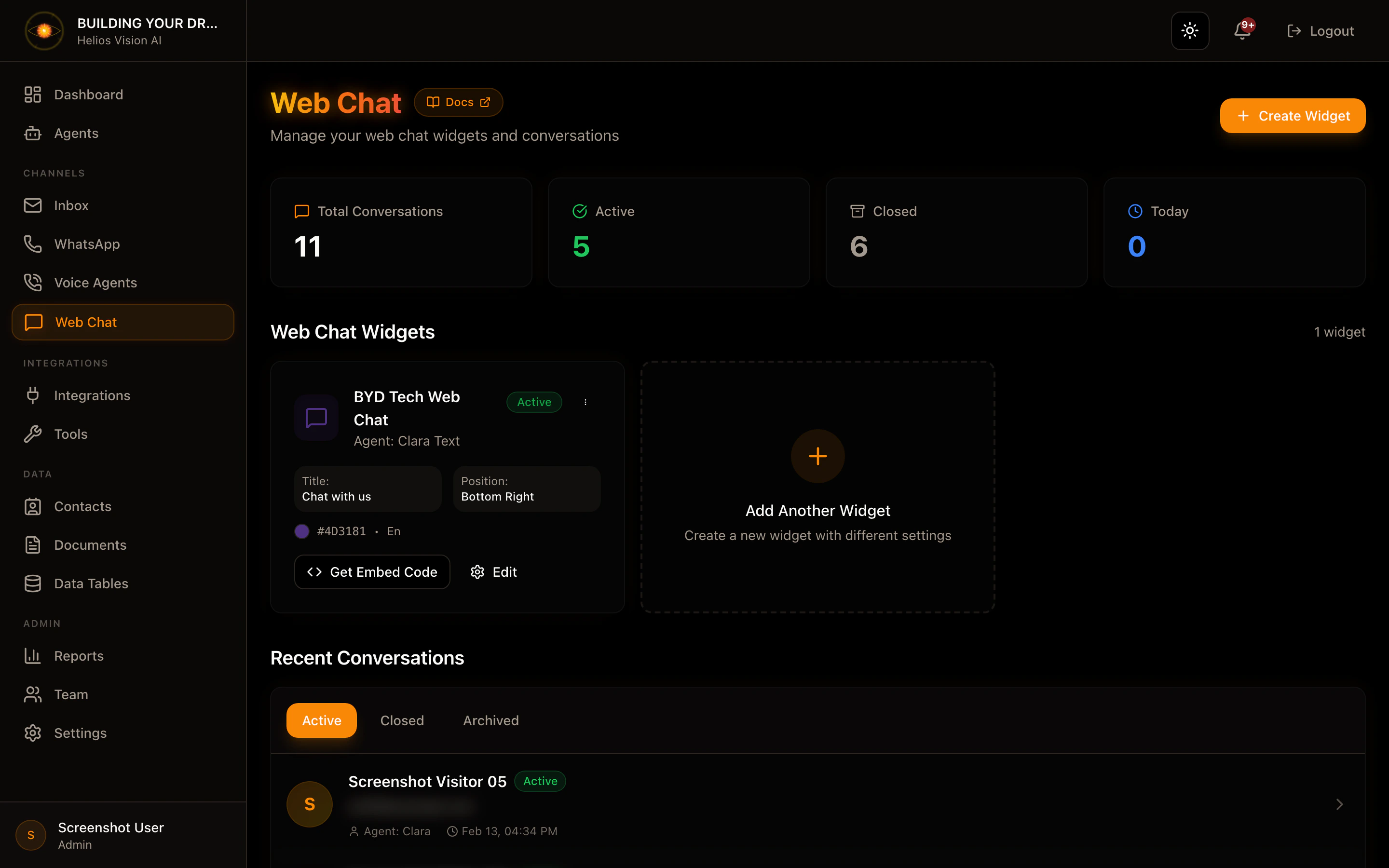
Install the chat widget on your website to start conversations with agents.Requirements
- An agent with Web Chat channel enabled.
- Access to the HTML of your site.
Step by step (embed)
- Get your tenantId and agentId.
- Insert the snippet before
</body>on your site:
- Save changes and reload the site.
Notes
- The agent must have Web Chat enabled in Agents.
- If you change the agentId, new conversations will use the new agent.
Screenshot